Uploading Insurances
|
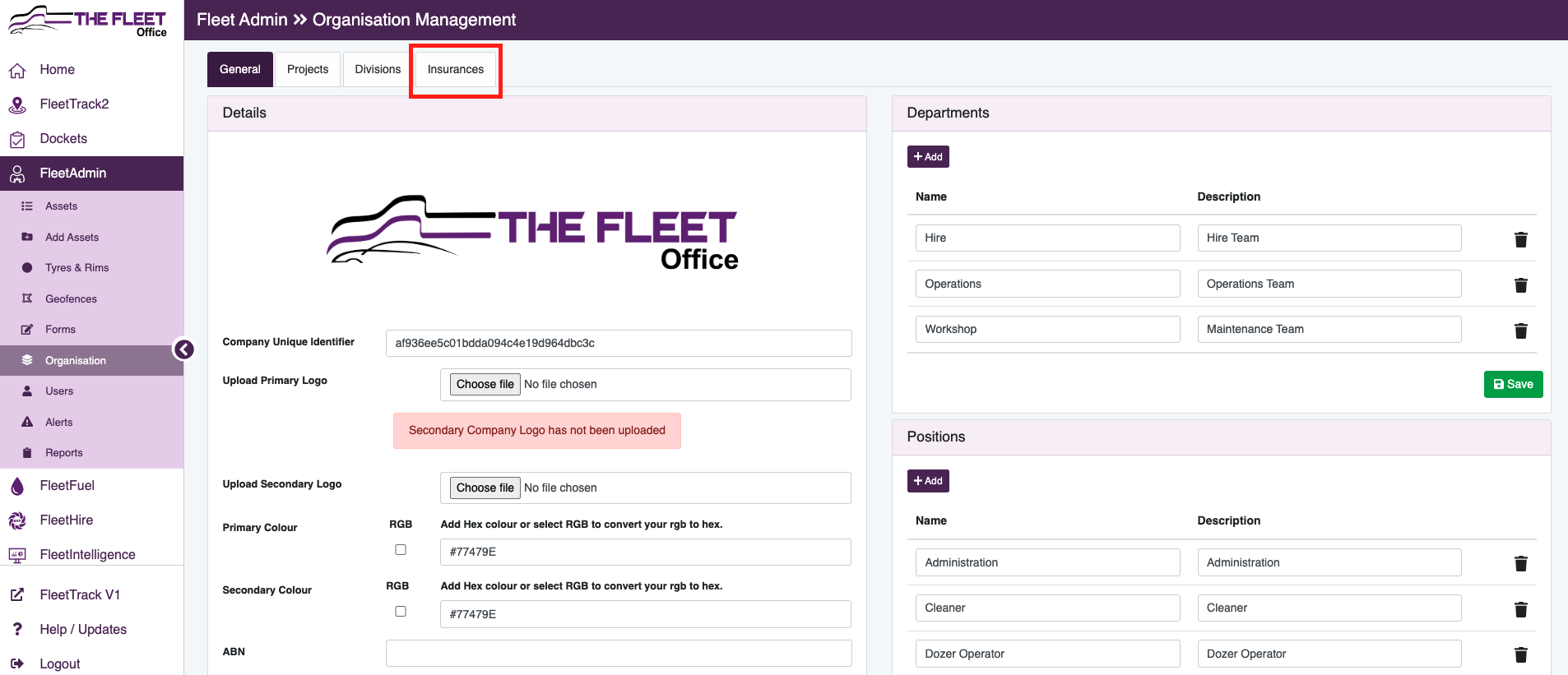
- Go to FleetAdmin
- Organisation
- Click on Insurances
|
|
|
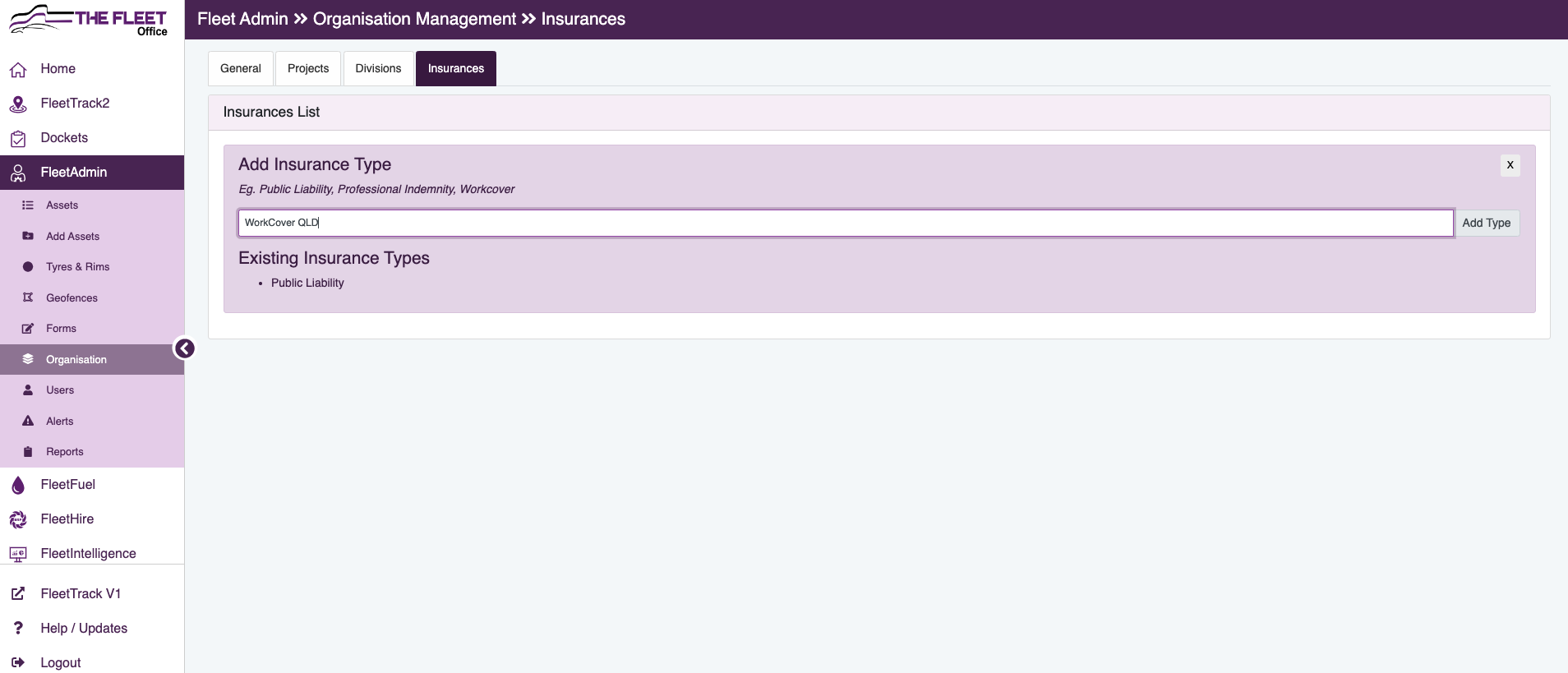
- Click on Add Insurance Type
- Type in Insurance type to be loaded eg: Public Liability
- Click Add Type
|
|
|
- Click on Insurances tab again at the top of the page
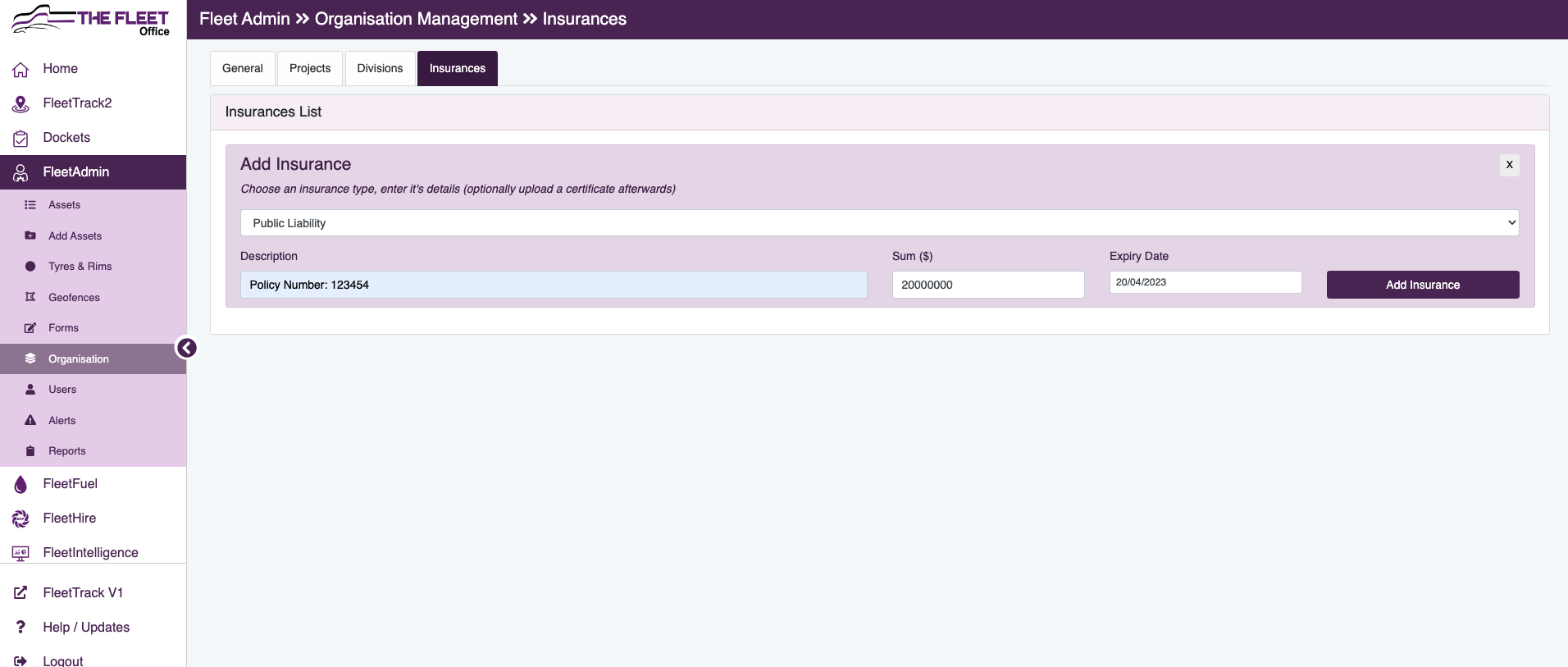
- Add Insurance
- Choose created Insurance Type from the dropdown
|
|
|
- Enter Description, insured amount & Expiry date
- Click Add Insurance
- Click to select PDF to upload the Insurance CoC
|
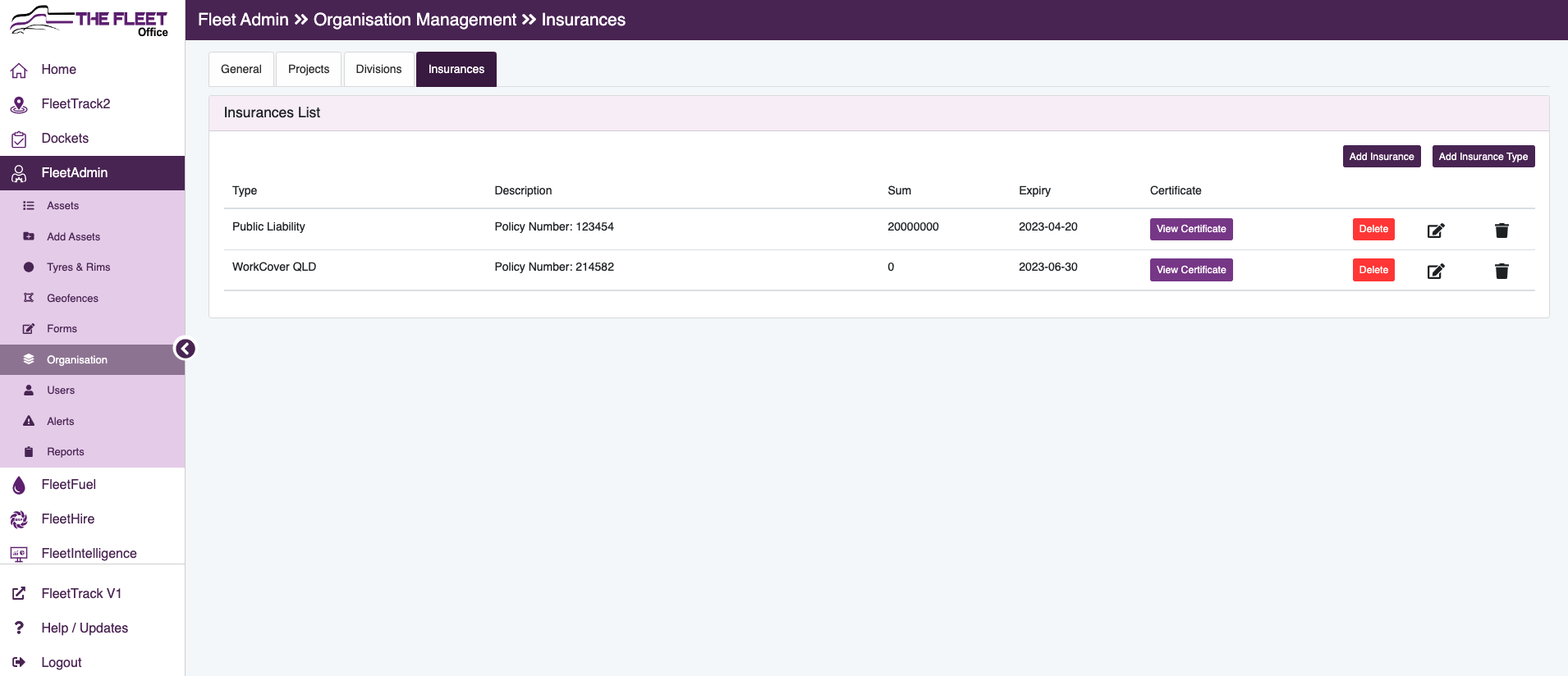 |
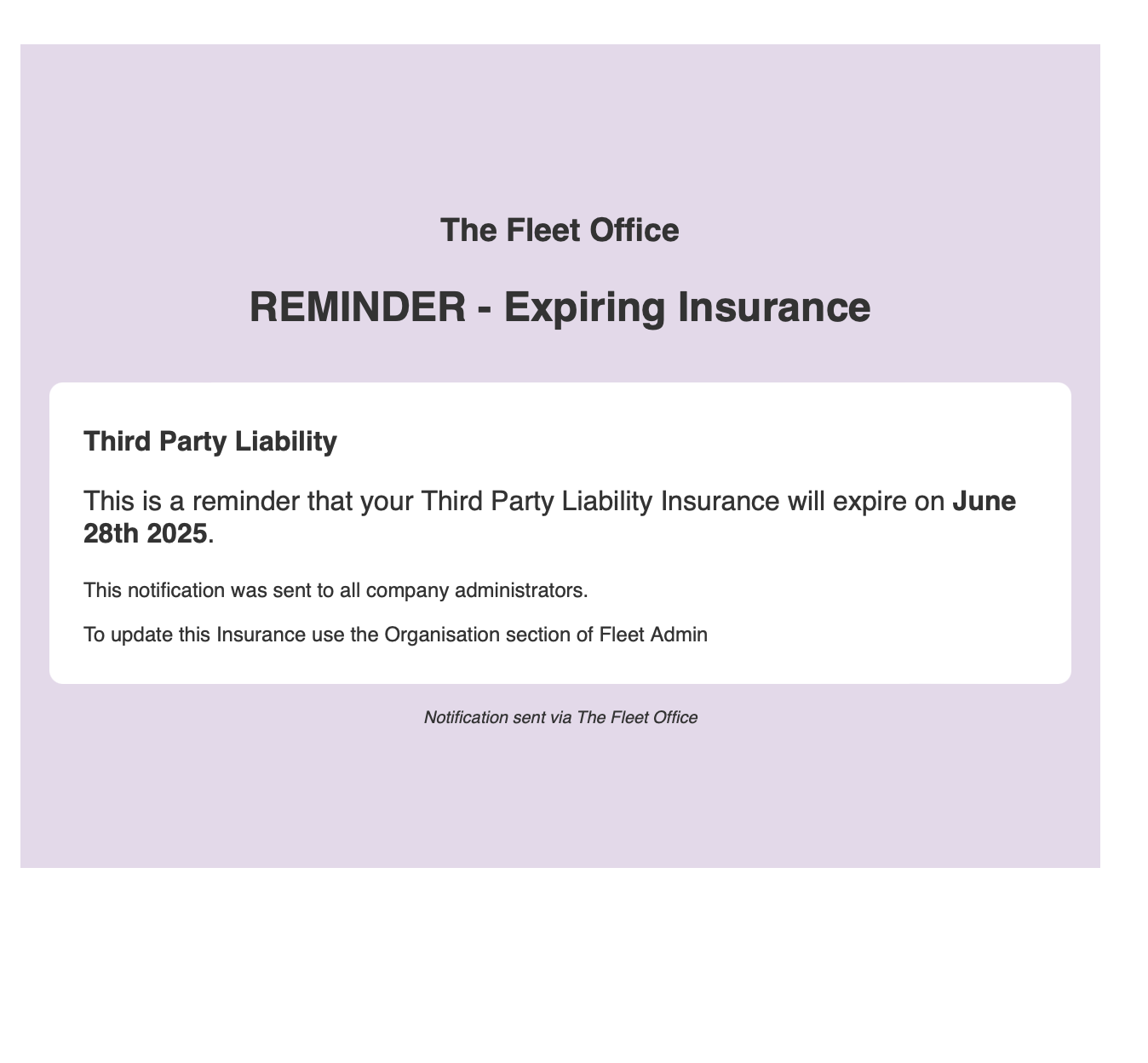
- When the Insurance is expiring, users with Company Administrators access will recieve an email notifying them of the upcoming expiry.
|
 |
|
|