|
FleetSafety Settings gives you the ability to individualise how you use FleetSafety.
Click button below to skip ahead to:
|
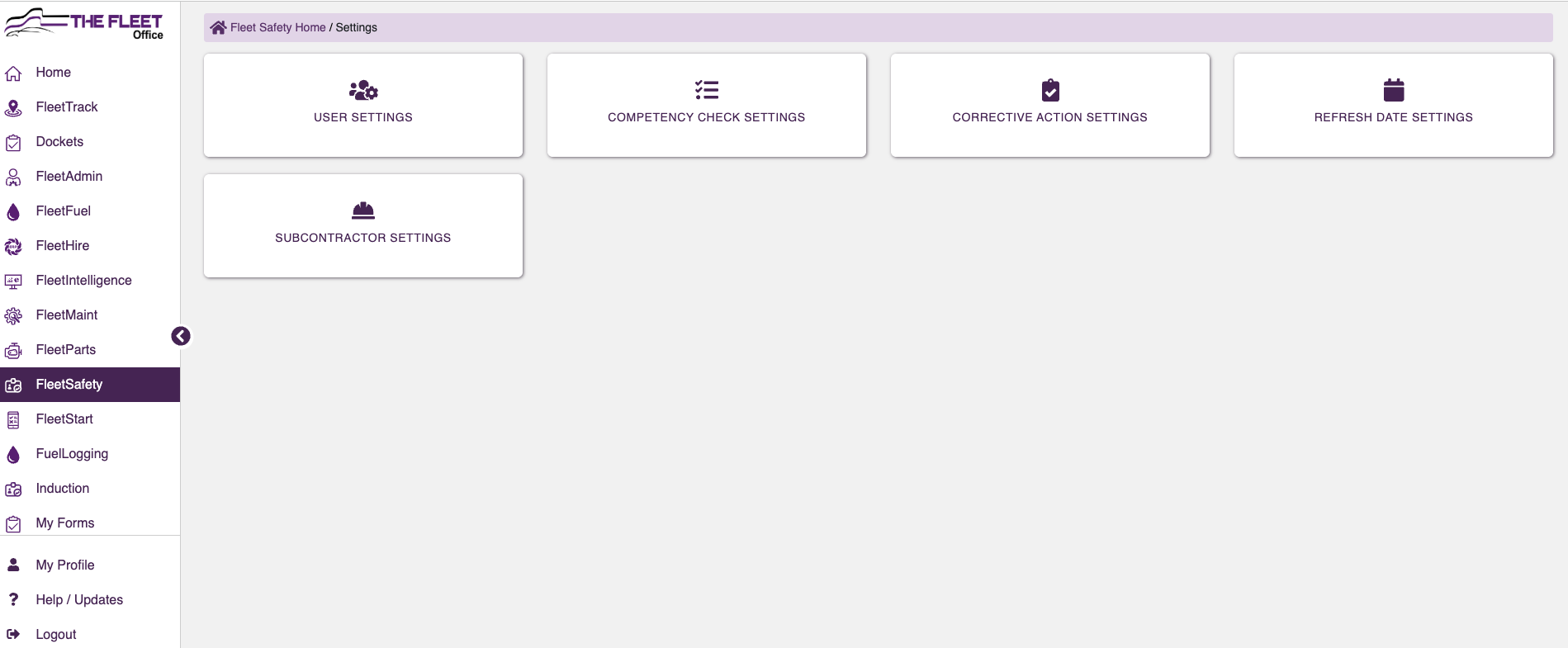 |
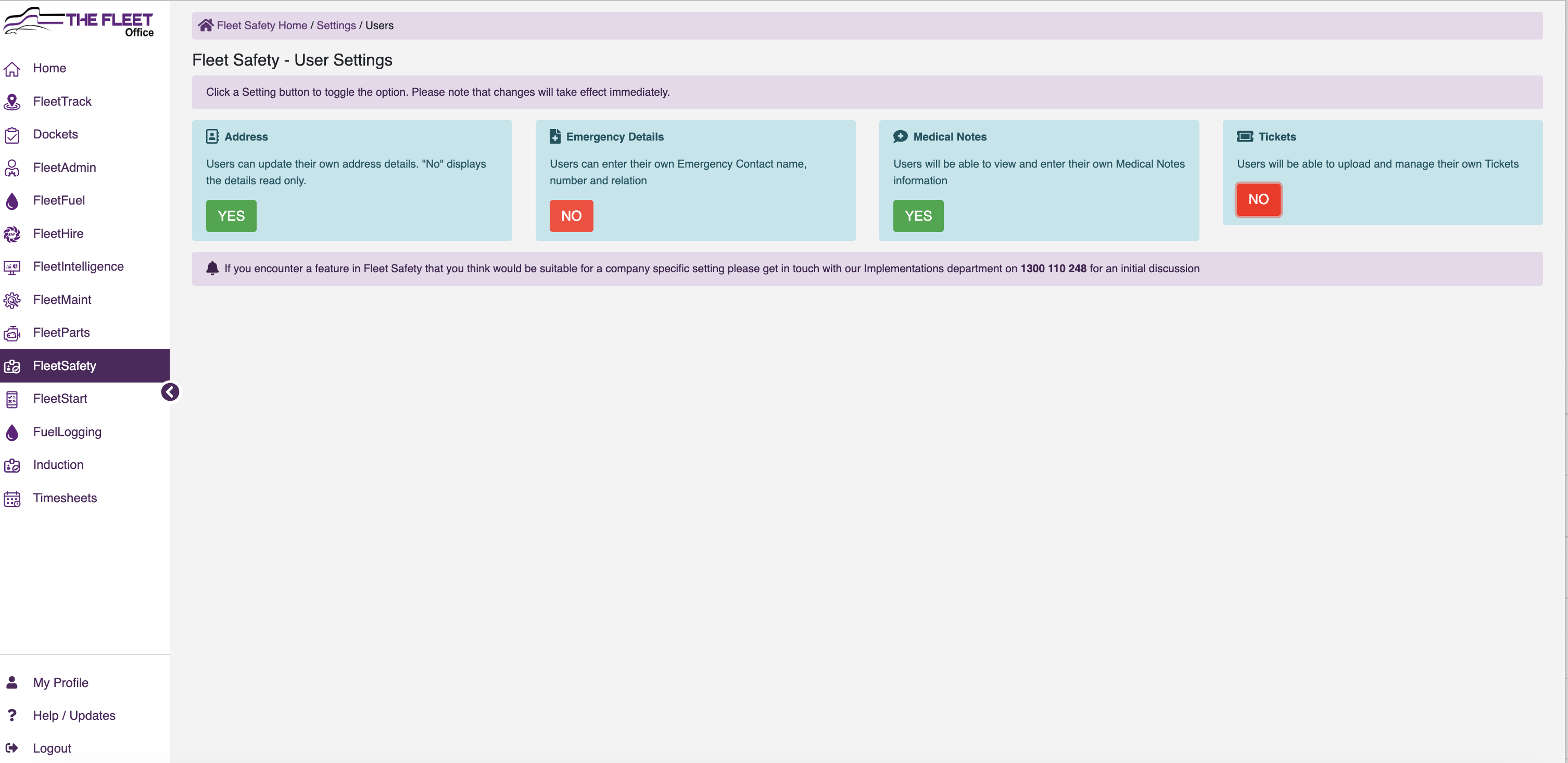
User Settings
- Toggle Yes or No for Users have the ability to Add and Update personal details and Tickets
|
|
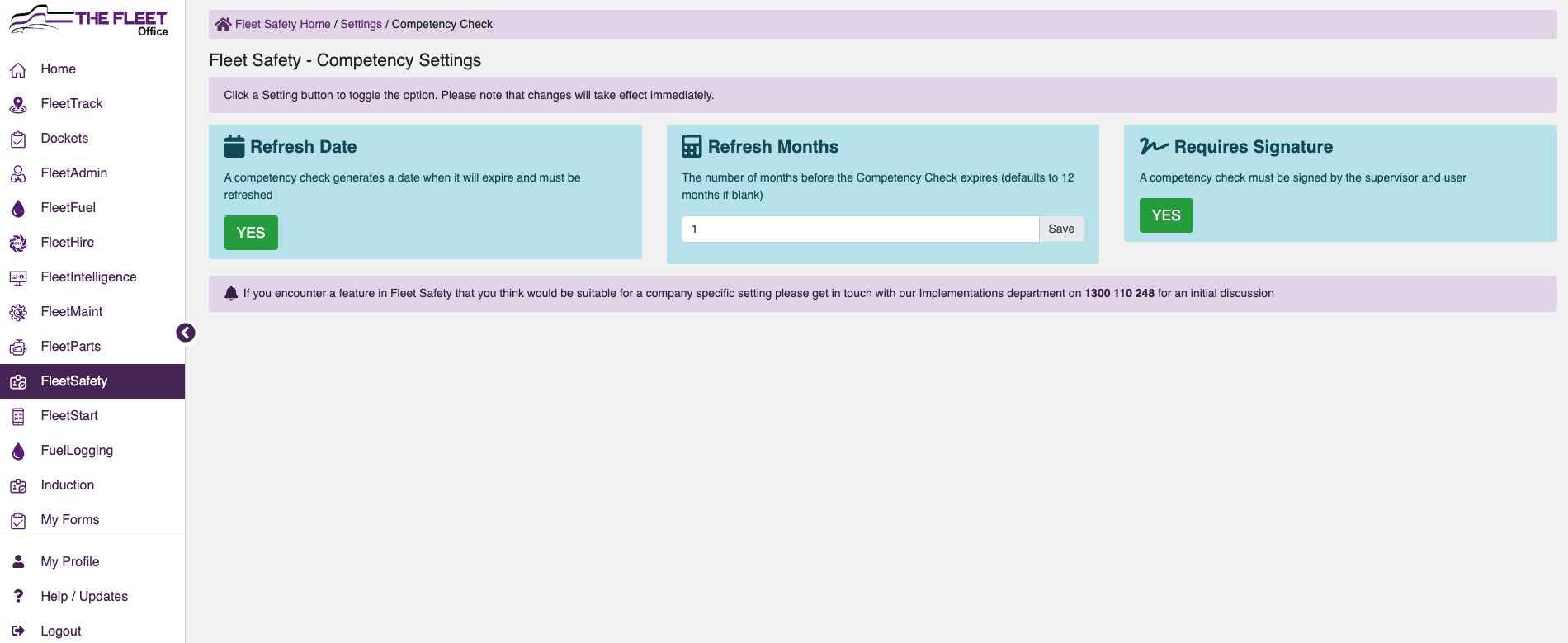
Competency Check Settings
- Toggle Yes or No to require a Refresh Date or Requires Signature
- Enter in the number of months before refresher due
|
 |
Corrective Action Settings |
- Click on Add Priority to create Company defined Priorities for Corrective Actions
|
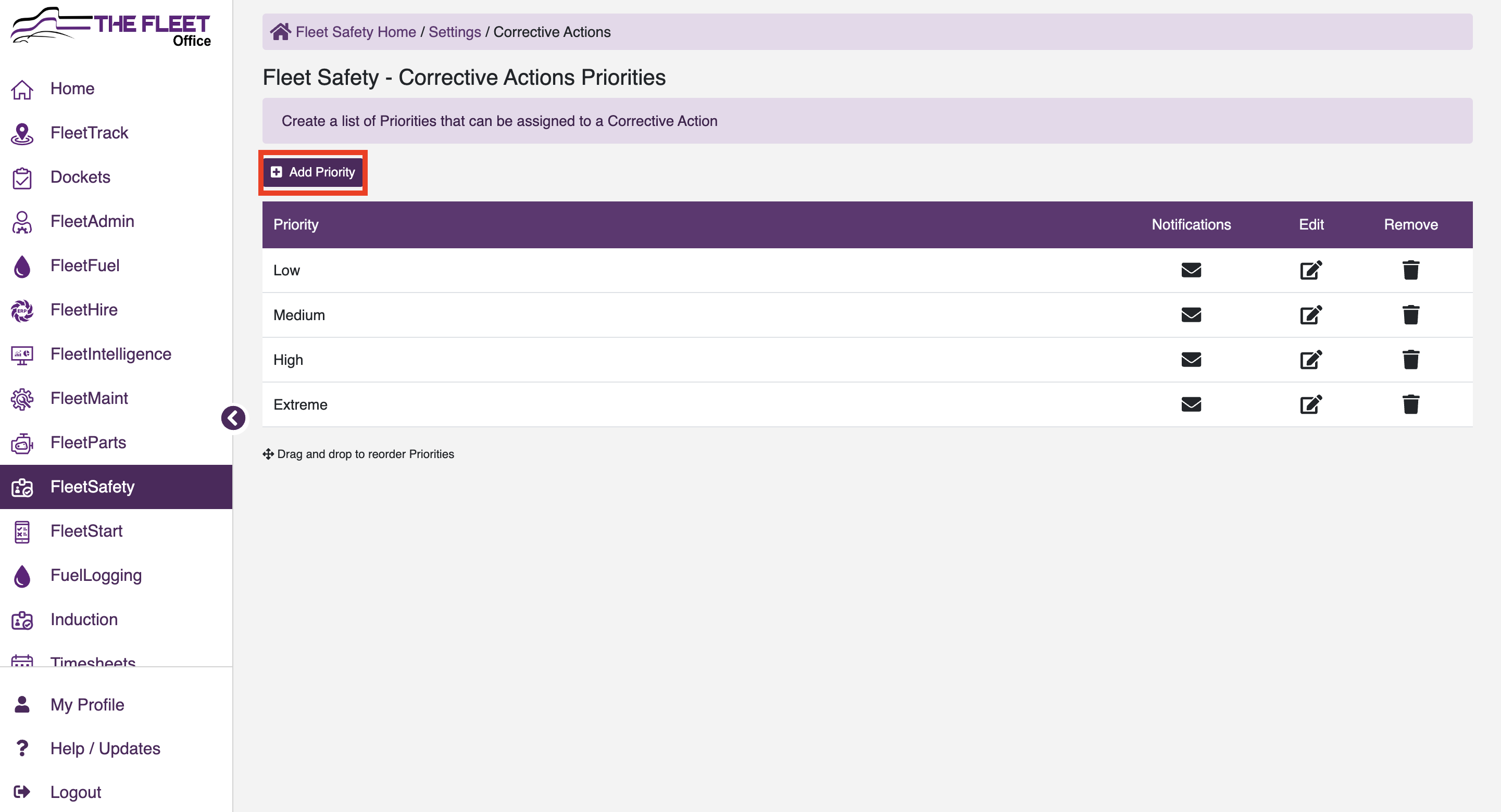 |
- Edit Existing, select

- Delete Existing, Select

|
|
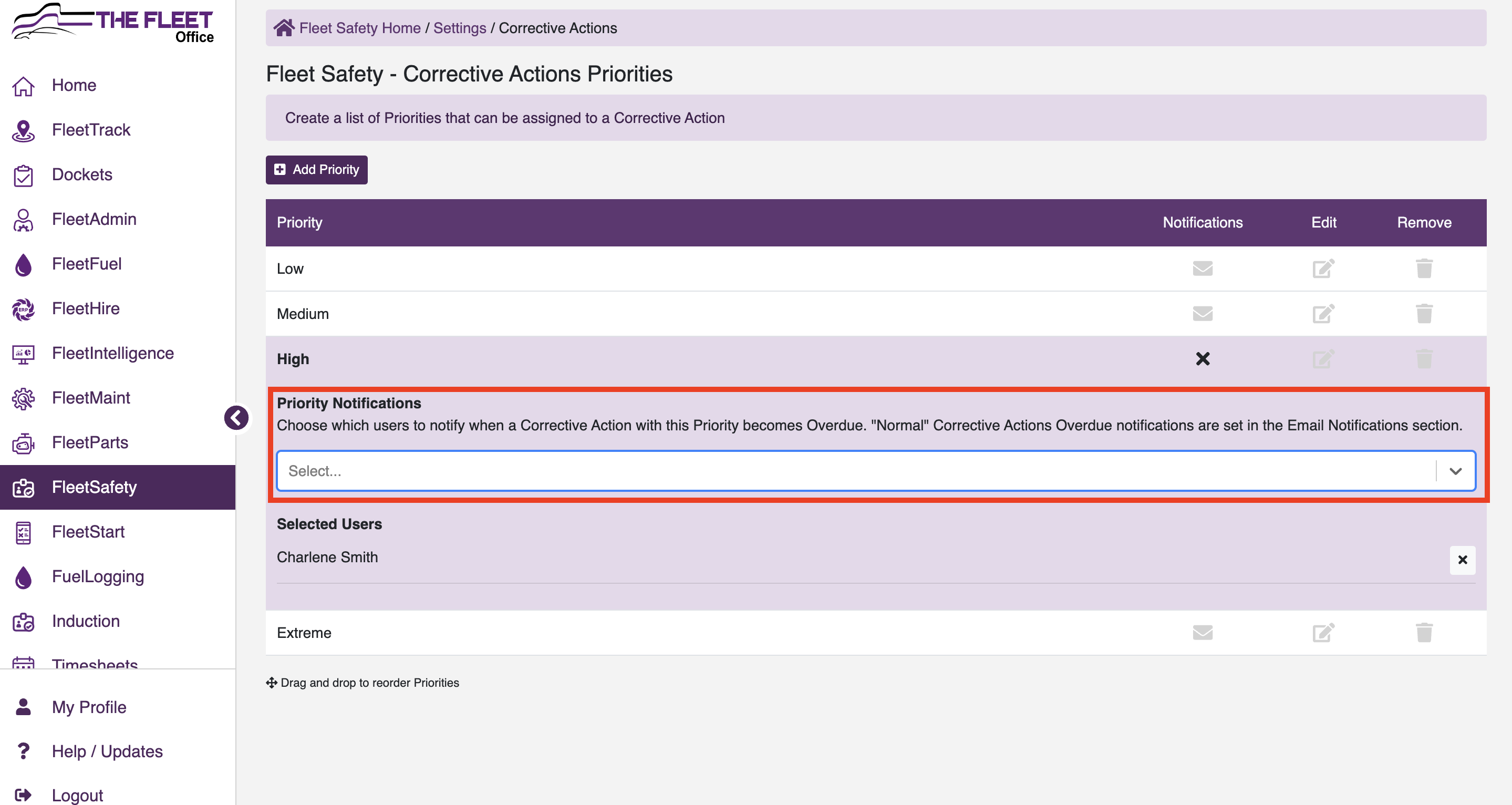
Set up email Notifications to notify users when a corrective action with this priority becomes overdue.
- Select the
 icon icon
|
- Select the drop down of users to send notifications to.
- Selected users will show in list under each priority.
|
 |
Refresh Date Settings
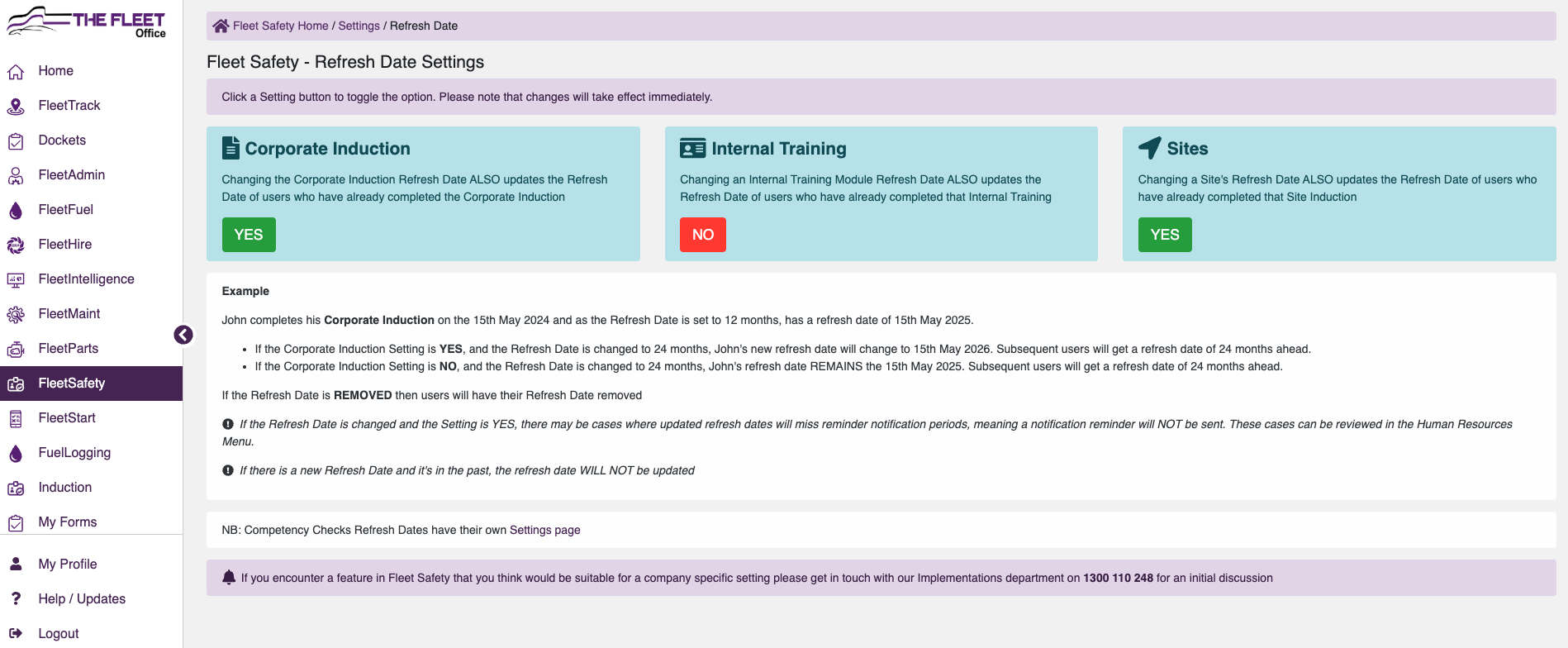 - Toggle Yes or No to set if changing the Refresh dates ALSO updates the Refresh Date of Users who have already completed the Induction type
Subcontractor Settings
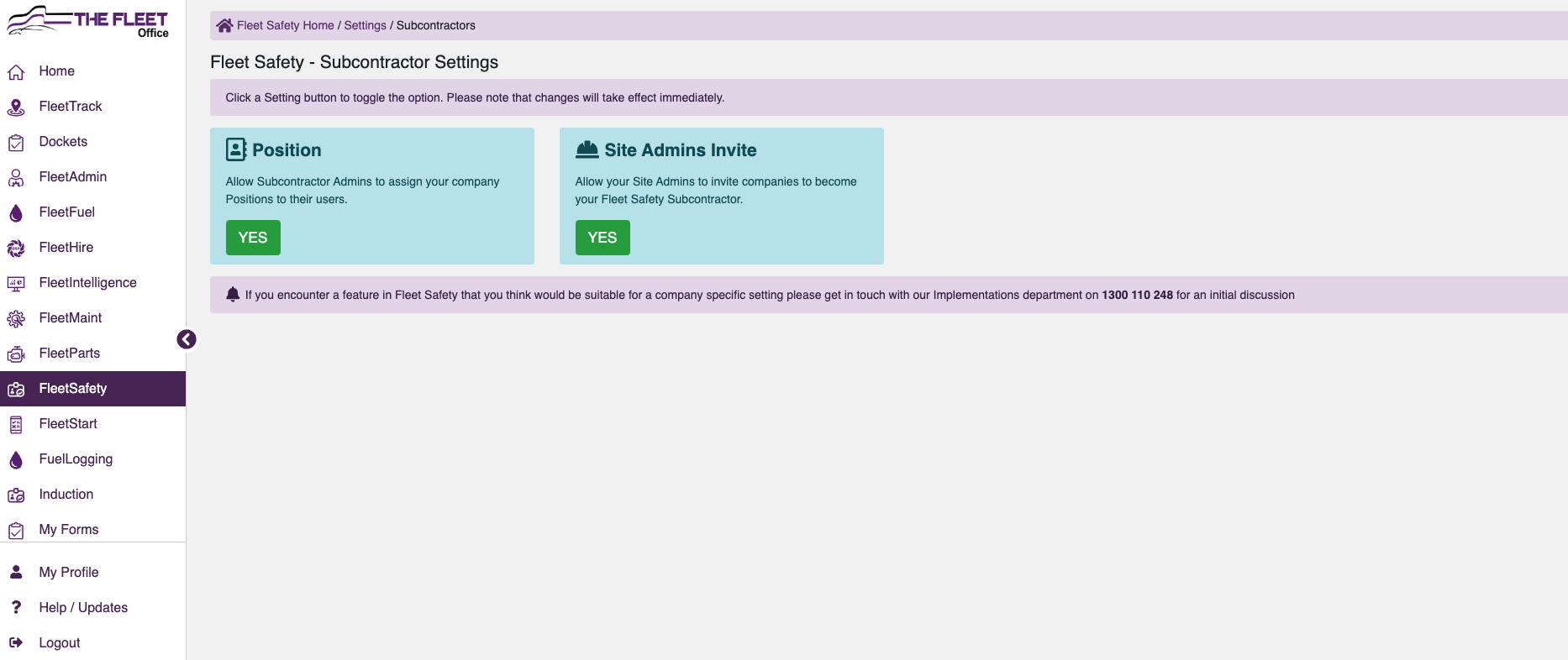
- Toggle Yes or No to allow your invited Subcontractors to assign to Positions listed in your company
- Toggle Yes or No to allow your FleetSafety Admins to invite Subcontractors
|